ai-tools
Best Image-to-Prompt Tools: How to Choose the Right One
Compare the best image-to-prompt tools, learn how to evaluate them, and pick the right one for Midjourney, Flux, or SDXL. Framework + checklist inside.

Picking an image-to-prompt tool looks simple until you've tried five of them and gotten five wildly different results from the same photo. One returns a tidy sentence. Another dumps forty comma-separated tags. A third invents details that aren't in the image at all.
The "best" tool isn't a single product — it's the one that matches your target model, your accuracy needs, and your workflow. A creator replicating a lighting setup for Midjourney needs something different from an e-commerce team standardizing product descriptions at scale.
This guide gives you a repeatable way to evaluate any image-to-prompt tool, a side-by-side look at the main tool categories, the mistakes that quietly waste your time, and a copy-paste checklist for vetting options. If you'd rather skip the research and just convert an image right now, you can use the free Avriro Image to Prompt tool and come back to compare.

Table of Contents
- What an image-to-prompt tool actually does
- The 6-factor evaluation framework
- Image-to-prompt tool categories compared
- How to choose: a decision tree
- How to test a tool in 5 minutes
- Best practices for better prompts
- Common mistakes to avoid
- Before vs after: what good looks like
- FAQ
- Summary
What an Image-to-Prompt Tool Actually Does
An image-to-prompt tool analyzes a picture and produces a text description structured well enough to feed back into an AI image generator. Under the hood, most modern tools rely on a vision-language model — the same class of technology behind systems documented by OpenAI and Google AI — to detect the subject, then describe its style, composition, lighting, and color.
The output usually arrives in one of two shapes:
- Natural language — a flowing sentence describing the scene. Better suited to Midjourney and conversational models.
- Tag/keyword lists — comma-separated descriptors. Better suited to Stable Diffusion and SDXL workflows.
A good tool doesn't just label objects. It captures the intent of the image — the mood, the framing, the rendering style — so the prompt can recreate something visually equivalent, not just a literal inventory of what's in frame.
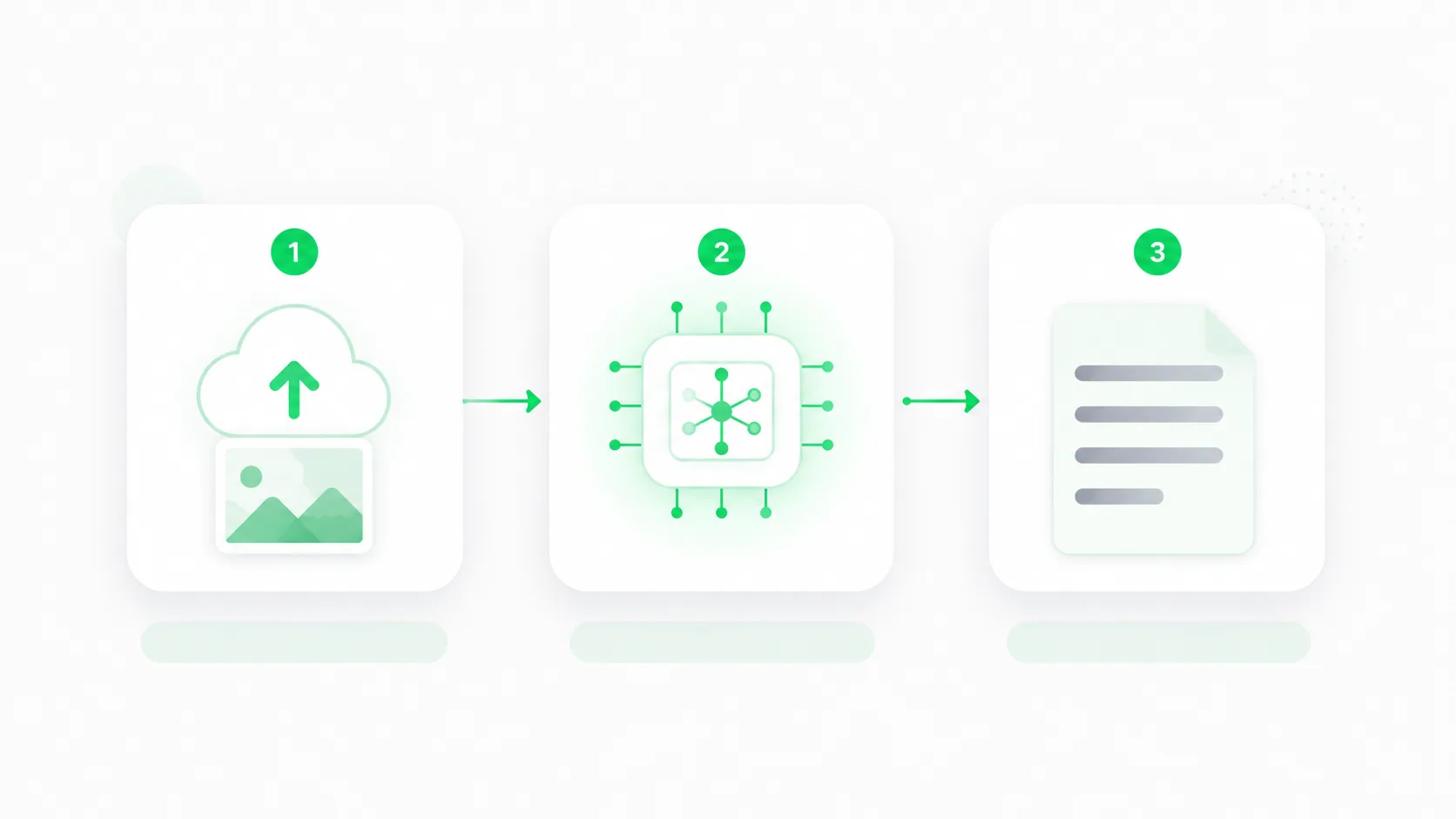
The pipeline above is universal. What separates a great tool from a mediocre one is how accurately each stage performs — which is exactly what the framework below measures.
The 6-Factor Evaluation Framework
Instead of trusting marketing pages, score any tool against these six factors. We'll call it the ACCESS framework — a practical checklist you can apply to any product in minutes.
| Factor | What to check | Why it matters |
|---|---|---|
| Accuracy | Does the prompt match what's actually in the image? | Hallucinated details ruin replication |
| Control | Can you choose output style (natural vs tags), length, or detail level? | Different models need different formats |
| Compatibility | Does it target your generator (Midjourney, Flux, SDXL)? | A generic prompt underperforms on specific models |
| Editing | Can you tweak the result before exporting? | First drafts are rarely final |
| Speed | Time from upload to usable prompt | Matters most at scale |
| Scale & cost | Batch support, free tier, usage limits | Determines team viability |
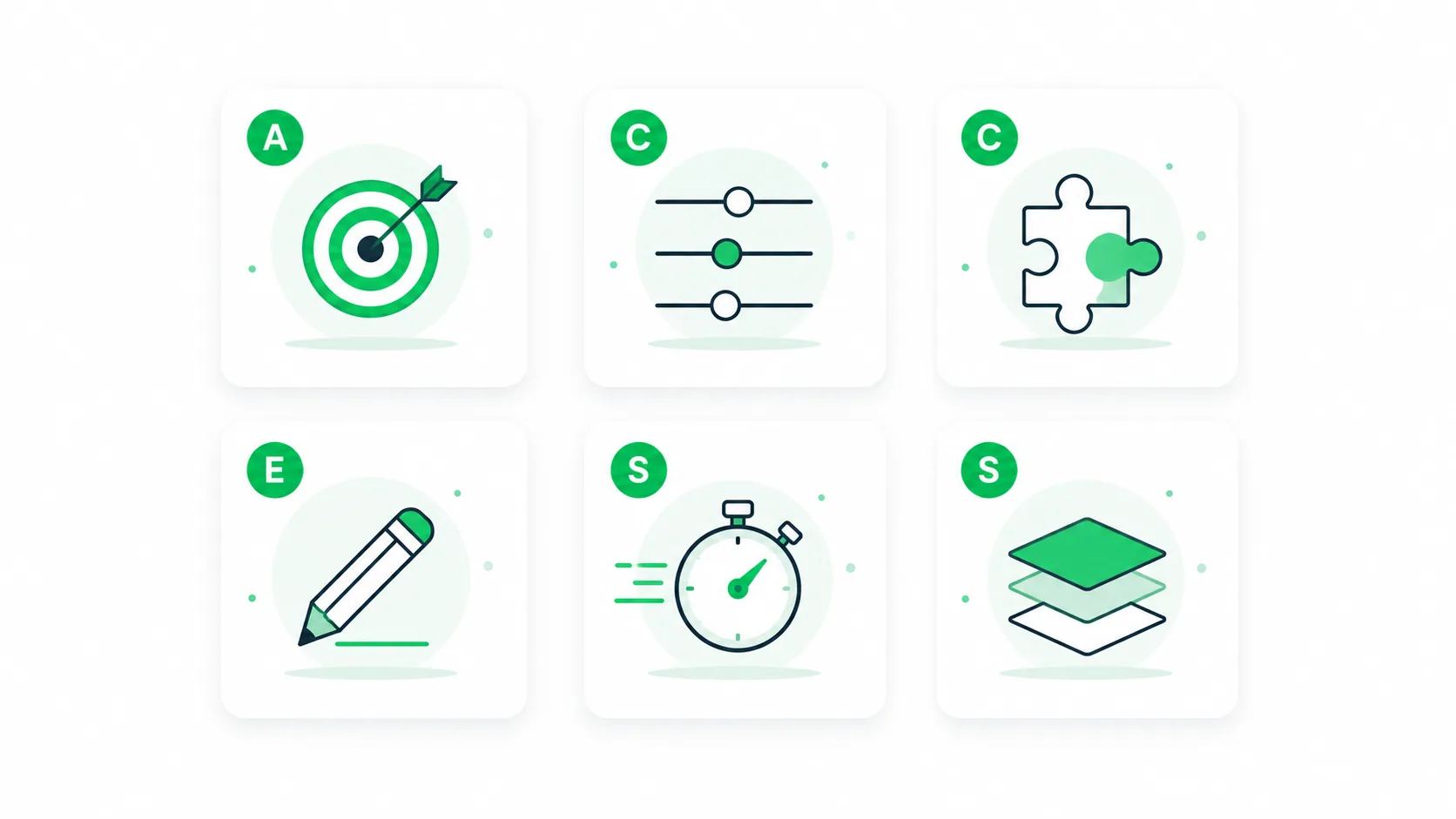
A tool doesn't need a perfect score on all six. A solo creator might weight accuracy and compatibility heavily and ignore batch processing entirely. A marketing team running hundreds of product listings will care far more about scale and speed. Decide which factors matter to you first — then score.
Image-to-Prompt Tool Categories Compared
Rather than rank brand names that change features monthly, it's more durable to compare the categories tools fall into. Most options on the market today belong to one of these four.
| Category | Best for | Strengths | Limitations |
|---|---|---|---|
| Dedicated web tools | Quick, one-off conversions | Free tiers, no setup, fast | May lack batch/advanced control |
| Interrogator models (e.g., CLIP-based) | SDXL / Stable Diffusion users | Tag-style output, open-source options | Steeper setup, less readable output |
| General multimodal chatbots | Custom, conversational refinement | Highly flexible, you direct the format | Inconsistent without good instructions |
| Built-in generator features | Staying inside one ecosystem | Tight integration with the target model | Locked to that platform |
A few honest notes on each:
Dedicated web tools are the fastest path for most people. They're built for one job, usually offer a free tier, and require zero installation. The free Avriro Image to Prompt tool falls in this category — upload, get a prompt, refine, done.
Interrogator models like CLIP-based interrogators are favored by Stable Diffusion users because they output the tag-heavy style SDXL responds to well. They're powerful but typically demand more technical setup.
General multimodal chatbots — the kind documented by Anthropic and OpenAI — can describe an image in any format you specify. The flexibility is the strength and the catch: output quality depends heavily on how well you prompt them.
Built-in features inside generators are convenient but lock you into that one ecosystem.
How to Choose: A Decision Tree
The right category depends on three questions: what model you're targeting, how often you'll do this, and how much control you need.
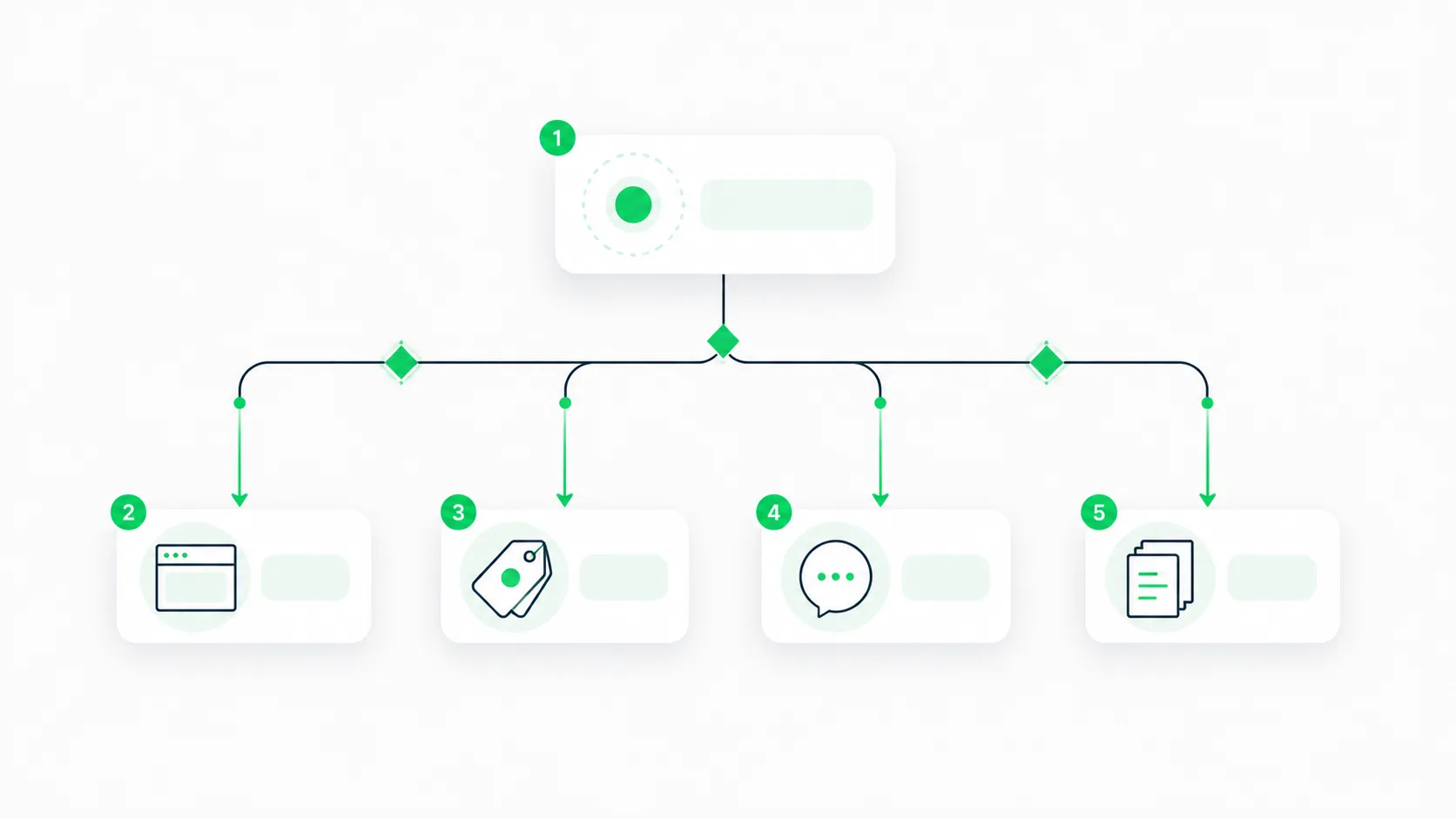
Walk it manually:
- One-off conversion, no setup wanted? → A dedicated web tool. Fastest route, free tiers available.
- Targeting Stable Diffusion / SDXL specifically? → A CLIP-style interrogator for tag output, or a web tool that offers a tag mode.
- Need a very specific custom format and willing to direct it? → A multimodal chatbot.
- High volume / team workflow? → Prioritize tools with batch support and a clear cost model.
For the large majority of users — creators, marketers, small teams — a dedicated web tool wins on speed and zero friction, which is why it sits at the top of the tree.
How to Test a Tool in 5 Minutes
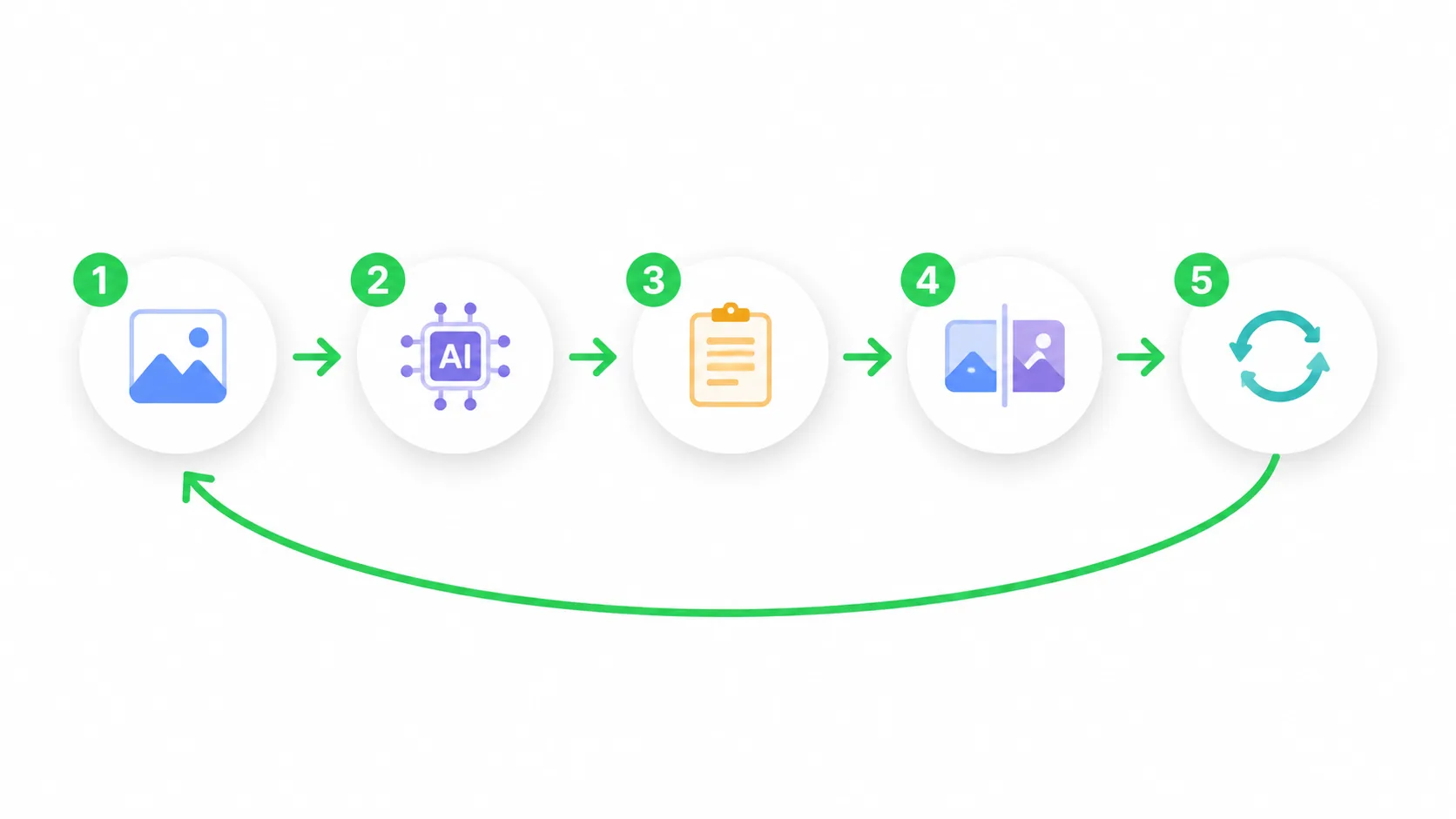
Don't trust a feature list. Run this quick standardized test on any tool you're considering, using the same image each time so results are comparable.
- Pick one detail-rich image — ideally with a clear subject, distinct lighting, and a recognizable style.
- Convert it and read the output critically: did it catch the lighting? The composition? Or did it invent anything?
- Feed the prompt back into your target generator.
- Compare the regenerated image to your original.
- Edit and re-run — a good tool makes refinement easy.
The closer the regenerated image is to your source on the first try, the higher that tool scores on accuracy and compatibility — the two factors that matter most.
Best Practices for Better Prompts
Even the best tool gives you a draft. These habits consistently raise output quality regardless of which tool you choose.
- Start with high-quality source images. Blurry or cluttered inputs produce vague prompts. If your source has a busy background, clean it up first with a background remover so the tool focuses on the subject.
- Match output format to your model. Natural language for Midjourney; tags for SDXL.
- Always edit the draft. Add or remove detail to match your intent.
- Specify what to exclude. Many generators support negative prompts.
- Keep a prompt library. Save your best results so you can reuse and remix them.
Common Mistakes to Avoid
These are the errors that quietly waste the most time:
- Trusting the first output blindly. Tools hallucinate details that aren't in the image. Always verify against the source.
- Using the wrong output format. Feeding tag-style prompts to Midjourney (or sentences to a tag-based SDXL workflow) underperforms.
- Ignoring compatibility. A prompt optimized for one model rarely transfers cleanly to another. The official Midjourney and Flux docs are the reference for what each actually expects.
- Over-relying on automation. The tool handles most of the work — your judgment supplies the last stretch that makes the image yours.
- Skipping image cleanup. A distracting background pulls the tool's attention away from the real subject.
Before vs After: What Good Looks Like
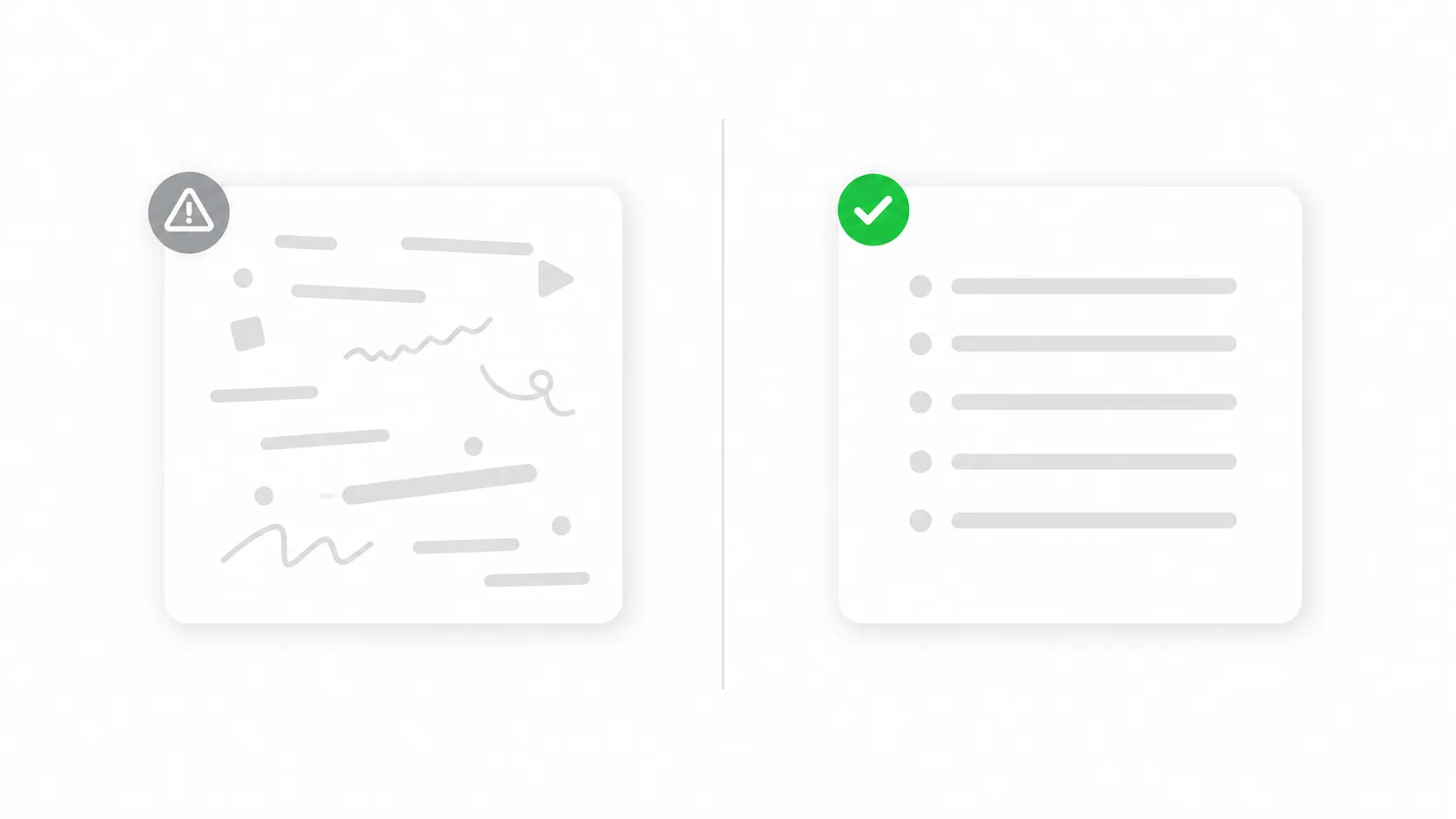
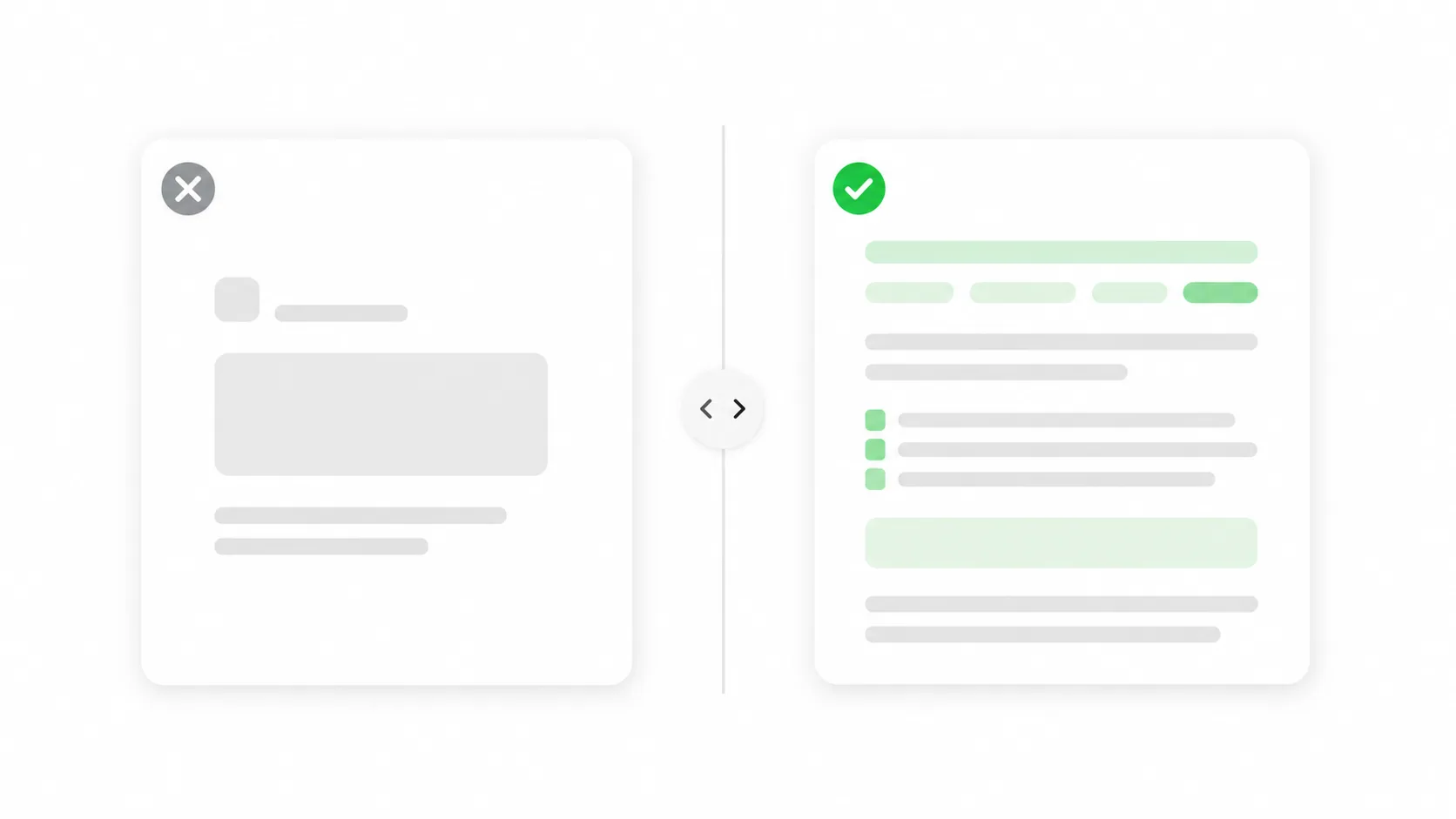
The difference between a weak tool and a strong one shows up immediately when you compare the input image to the prompt it produces — and then to what that prompt regenerates.
A weak tool might return something flat: "a product on a table." A strong tool captures the subject, the surface, the lighting direction, the color palette, and the rendering style — enough to recreate a visually equivalent result.
This is also why image-to-prompt tools pair naturally with other production steps. Once you've extracted a reliable prompt, teams often run it alongside tools like a virtual try-on or a product listing generator to move from concept to published asset in one workflow.
FAQ
What is the best image-to-prompt tool?
There's no single winner — the best tool depends on your target generator and volume. For fast, free, one-off conversions, a dedicated web tool like the Avriro Image to Prompt tool is ideal. For SDXL tag workflows, a CLIP-style interrogator may fit better.
Are image-to-prompt tools free?
Many offer free tiers, including Avriro's. Open-source interrogator models are free to run but require technical setup. Some advanced or batch features may be paid depending on the provider.
Can I get a Midjourney prompt from an image?
Yes. Choose a tool that outputs natural-language prompts, since that's the format Midjourney responds to best. Always check the regenerated result against the official Midjourney documentation for syntax like aspect ratios and parameters.
Do these tools work for Stable Diffusion and Flux?
Yes, but format matters. Stable Diffusion and SDXL favor tag-style prompts; Flux and Midjourney favor natural language. Pick a tool that lets you choose the output style.
How accurate are image-to-prompt tools?
Accuracy varies. The best tools rarely hallucinate and capture style and lighting, not just objects. Always run the 5-minute test above before committing — and always edit the draft.
Can I convert multiple images at once?
Some tools support batch processing; many free web tools handle one at a time. If you work at scale, prioritize tools that advertise batch support.
Why does the same image give different prompts in different tools?
Because each tool uses a different underlying model and output style. This is exactly why a standardized test matters when comparing options.
Do I still need to edit the generated prompt?
Almost always. Treat the output as a strong first draft, then add intent, remove errors, and specify exclusions to match your vision.
Summary
There's no universal "best" image-to-prompt tool — there's the best tool for your model, volume, and control needs. Score candidates against the ACCESS framework (accuracy, control, compatibility, editing, speed, scale), run the 5-minute standardized test, and weight the factors that matter to your workflow. For most creators and small teams, a fast, free, dedicated web tool covers the job; SDXL power users may prefer interrogator models; and anyone needing custom formats can direct a multimodal chatbot.
Whatever you choose, remember the tool delivers a draft — your judgment makes it production-ready.
Try It Yourself
Ready to see how a strong prompt feels? Skip the comparison shopping and convert your first image free.